
Exports, Reports & Data Privacy
Exporting to PDF and Excel
Need to share your financials with a bank or investor? The Export Bar on the Analytics page allows you to generate professional PDF reports or multi-tab Excel workbooks (.xlsx).
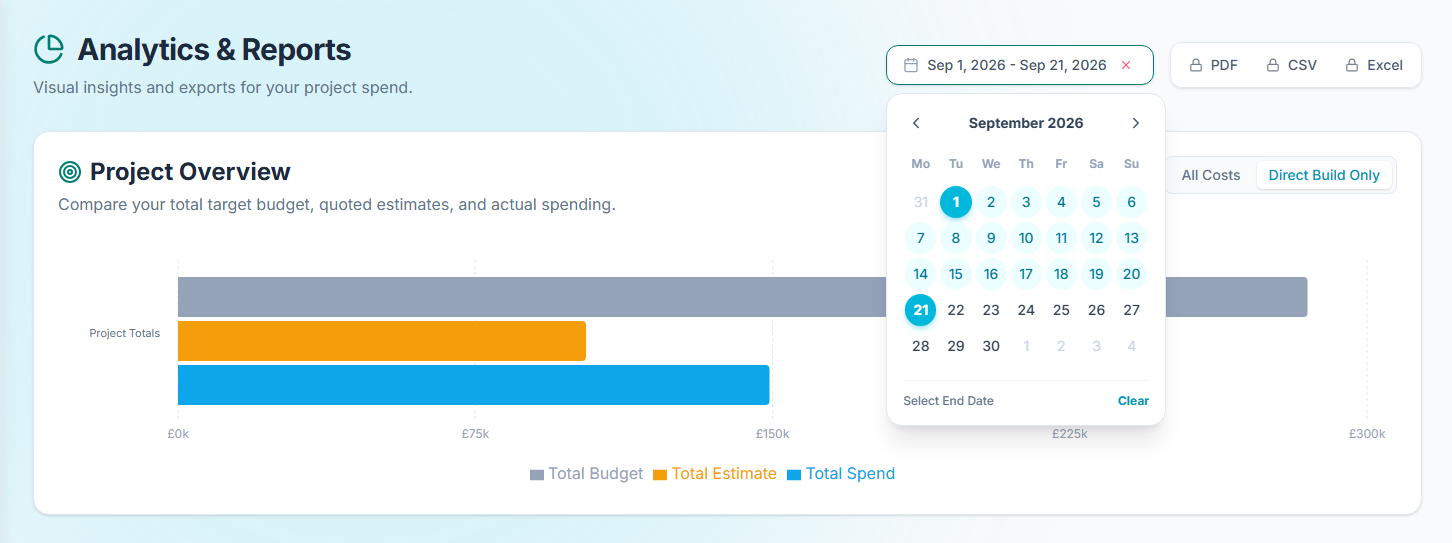
The PDF export automatically formats your charts and underlying data tables into a clean, print-ready document. You can also download a raw CSV from the Ledger for your own spreadsheet analysis.
Cloud Document Archives
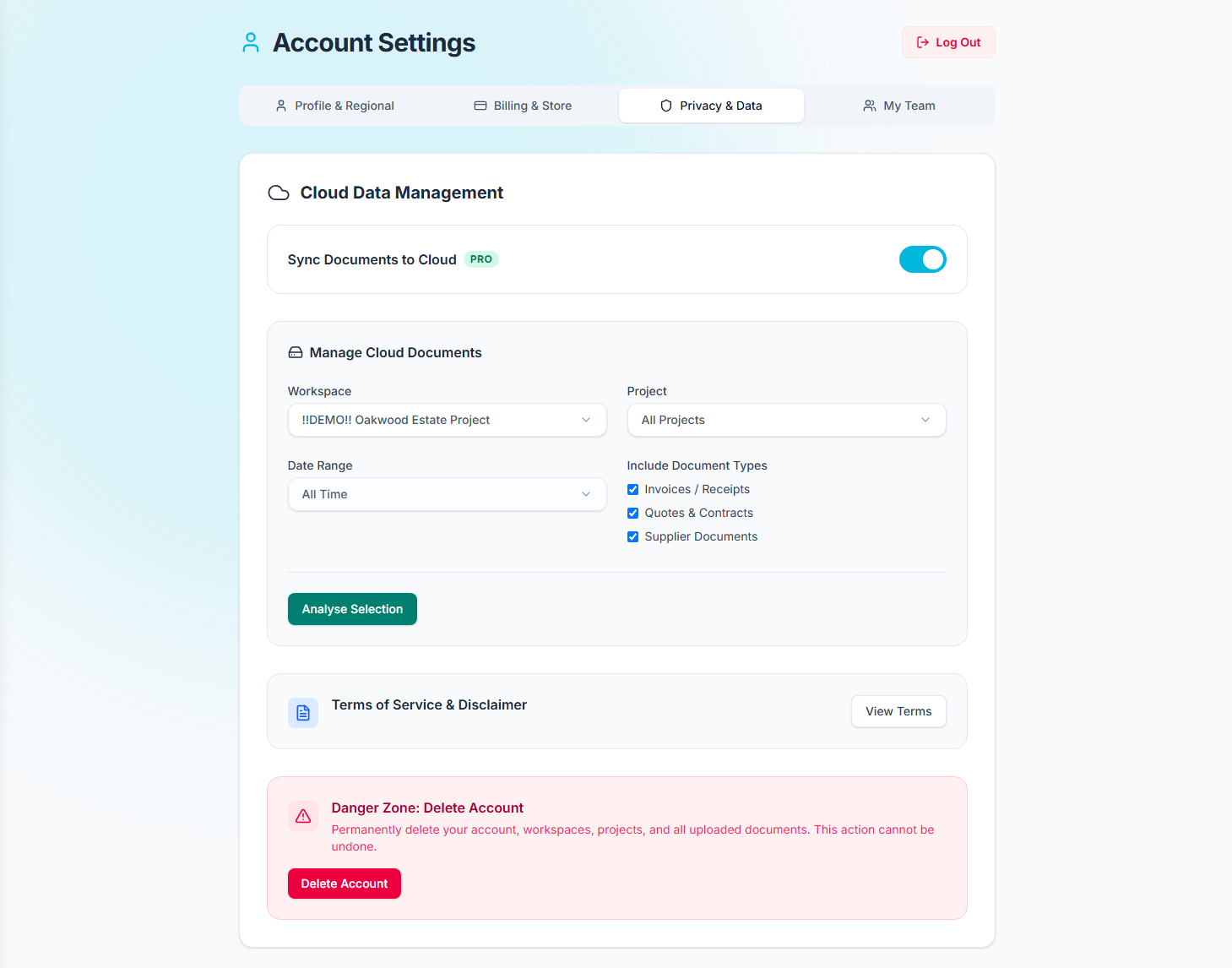
Pro users can bulk download their scanned receipts and invoices as a ZIP archive. This is perfect for end-of-year tax returns or VAT reclaims. Navigate to Global Settings > Privacy to generate your archive based on a specific date range.
Data Purging (Right to Erasure)
We believe you should have complete control over your data. Whether you are on the Free or Pro tier, you can permanently purge your uploaded documents from our cloud storage at any time via the Privacy tab in your settings.