Invoices & Smart Scanning
How to Scan Invoices Automatically
CostTrack can instantly read your invoices, receipts, and quotes. Simply drag and drop your files (PDFs, JPGs, or PNGs) into the Dropzone located at the top of the Invoices or Quotes pages.
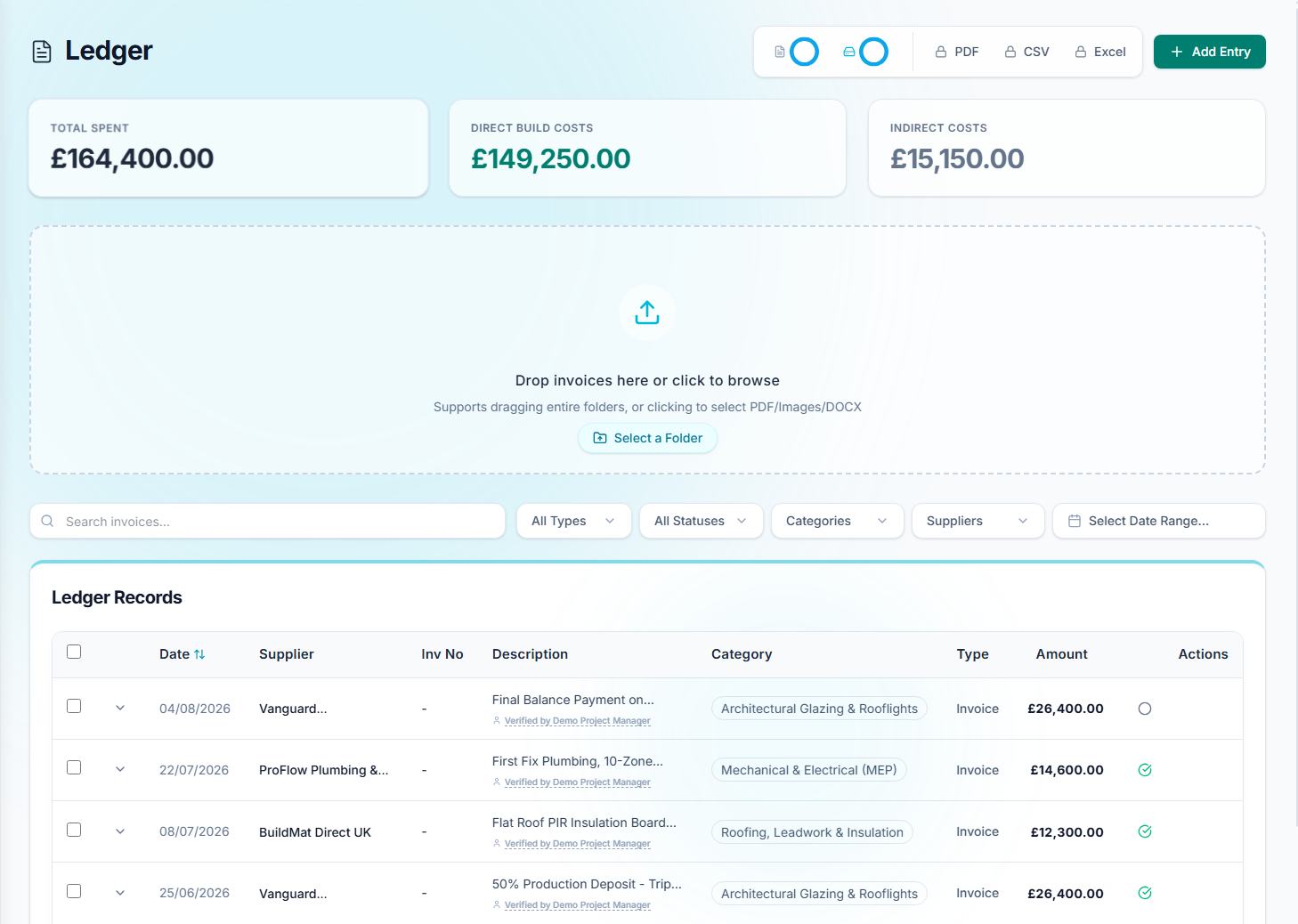
CostTrack will automatically extract the supplier name, date, total amount, and itemised line items. If you upload a multi-page PDF containing several different invoices, CostTrack will intelligently slice it into separate records.
The "Needs Review" Queue
To ensure complete accuracy, all scanned documents are placed into a "Needs Review" verification queue. You must verify the extracted data before it is permanently saved to your ledger.
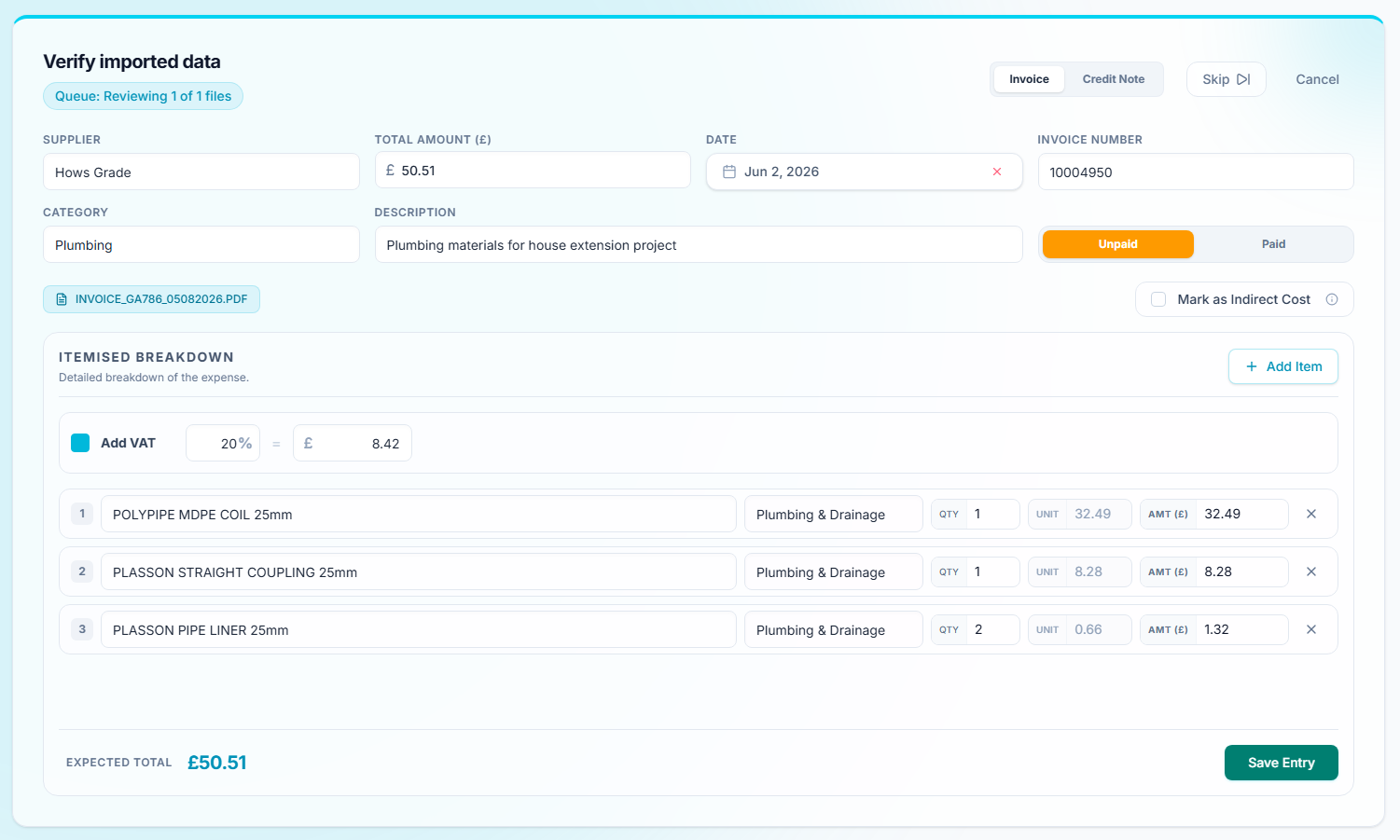
Review the supplier, amounts, and category. If CostTrack detects a potential duplicate (same supplier, date, and amount), it will flag it here so you don't double-count your expenses.